Play live
Scenes and shows as tiles, faders with on/off and hold, blackout, tempo by tap, internal or Ableton Link.
Free for iPad
The app for small sets: fully operable, fully editable and free. Everything you need for lighting at home, in the party cellar or at the small gig.
Coming soon to the App StoreSupport
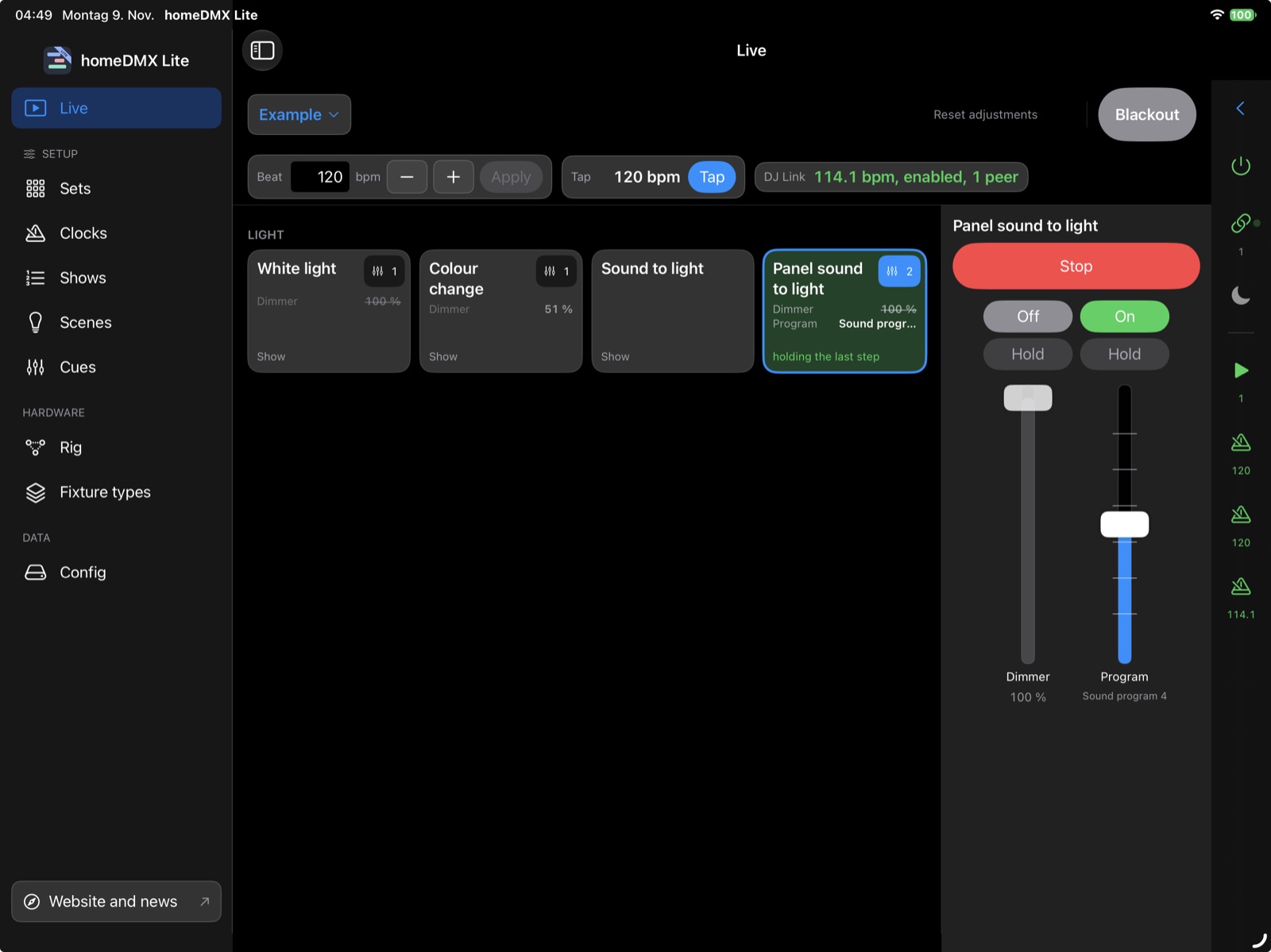
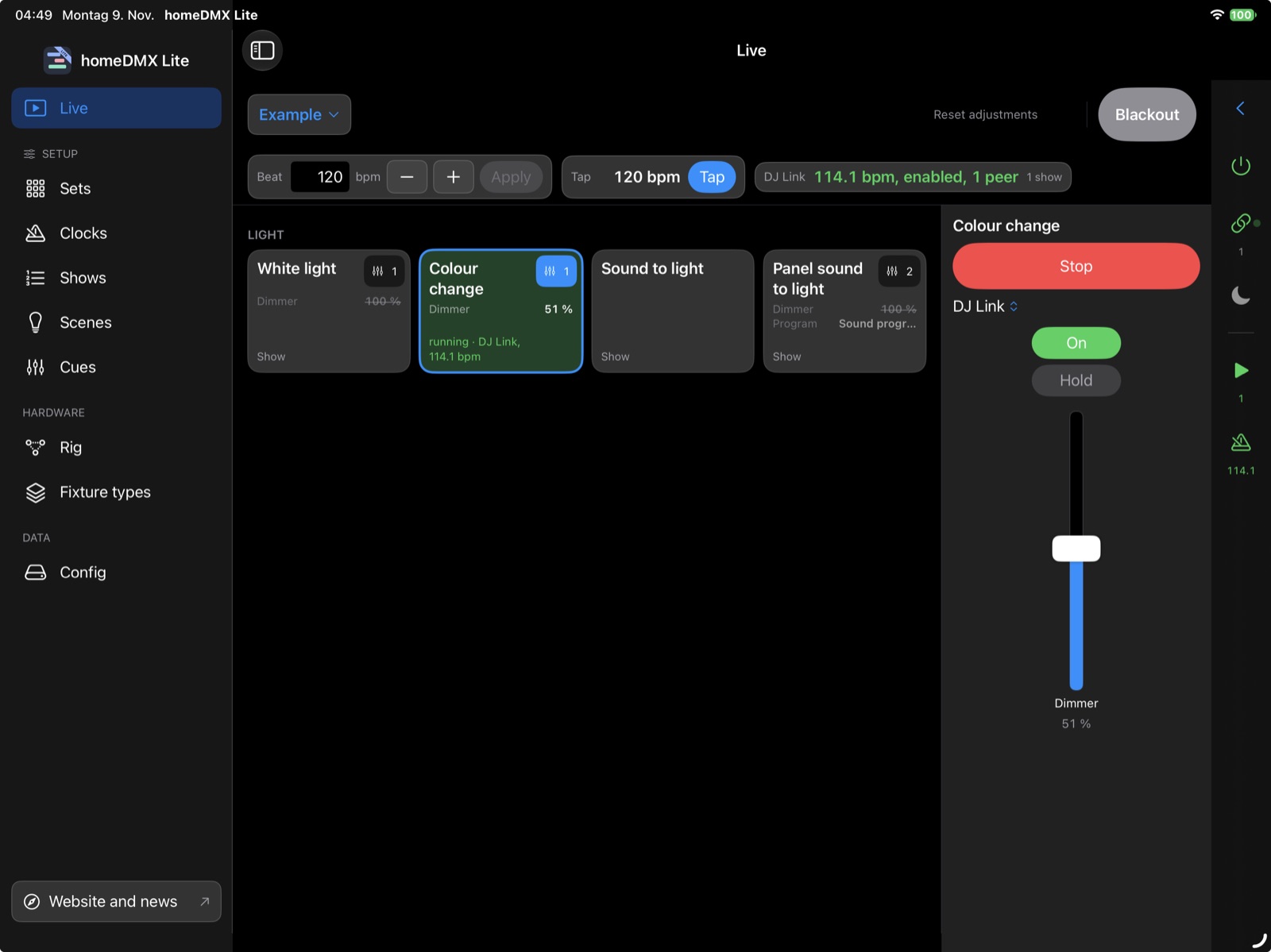
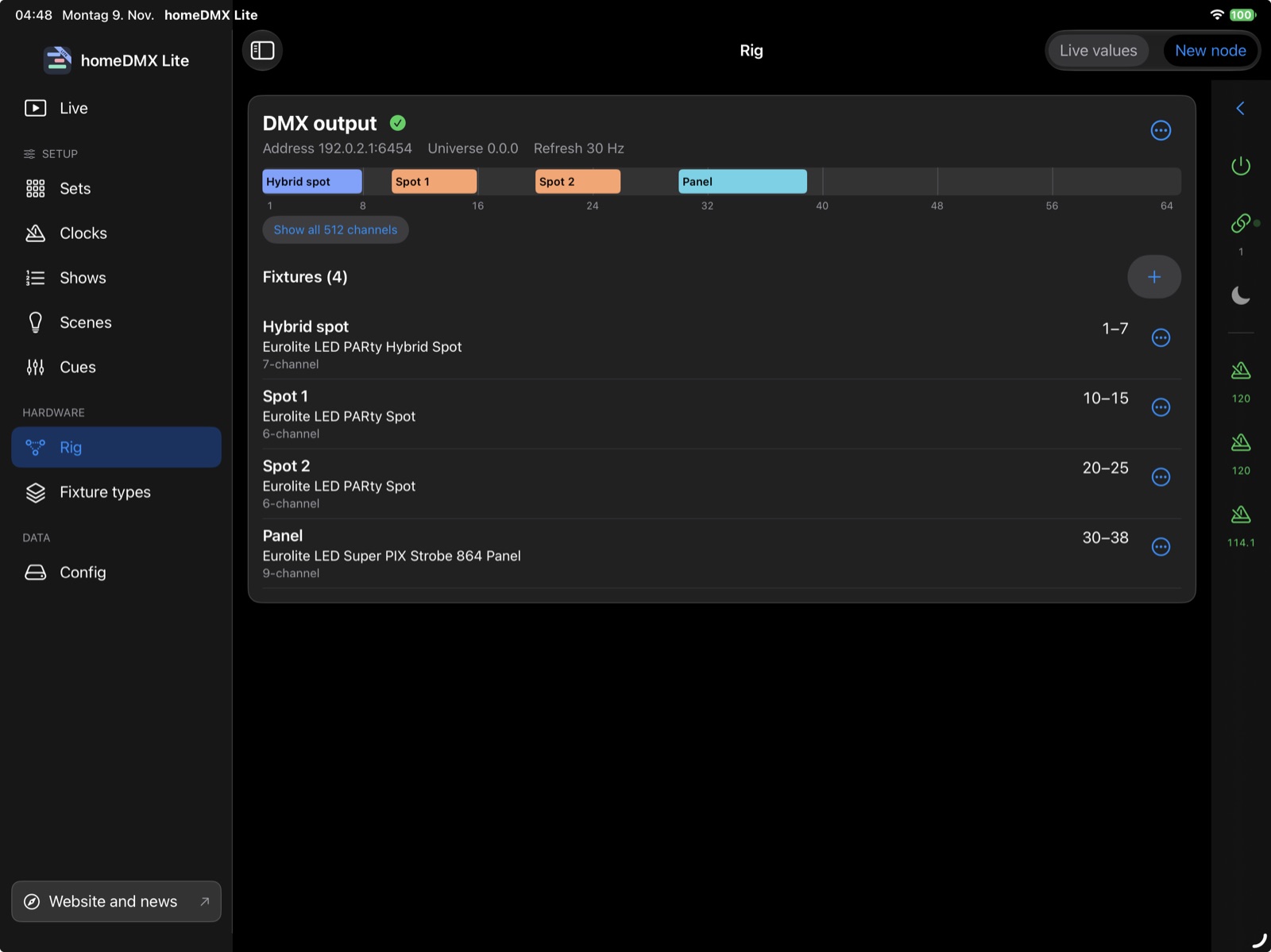
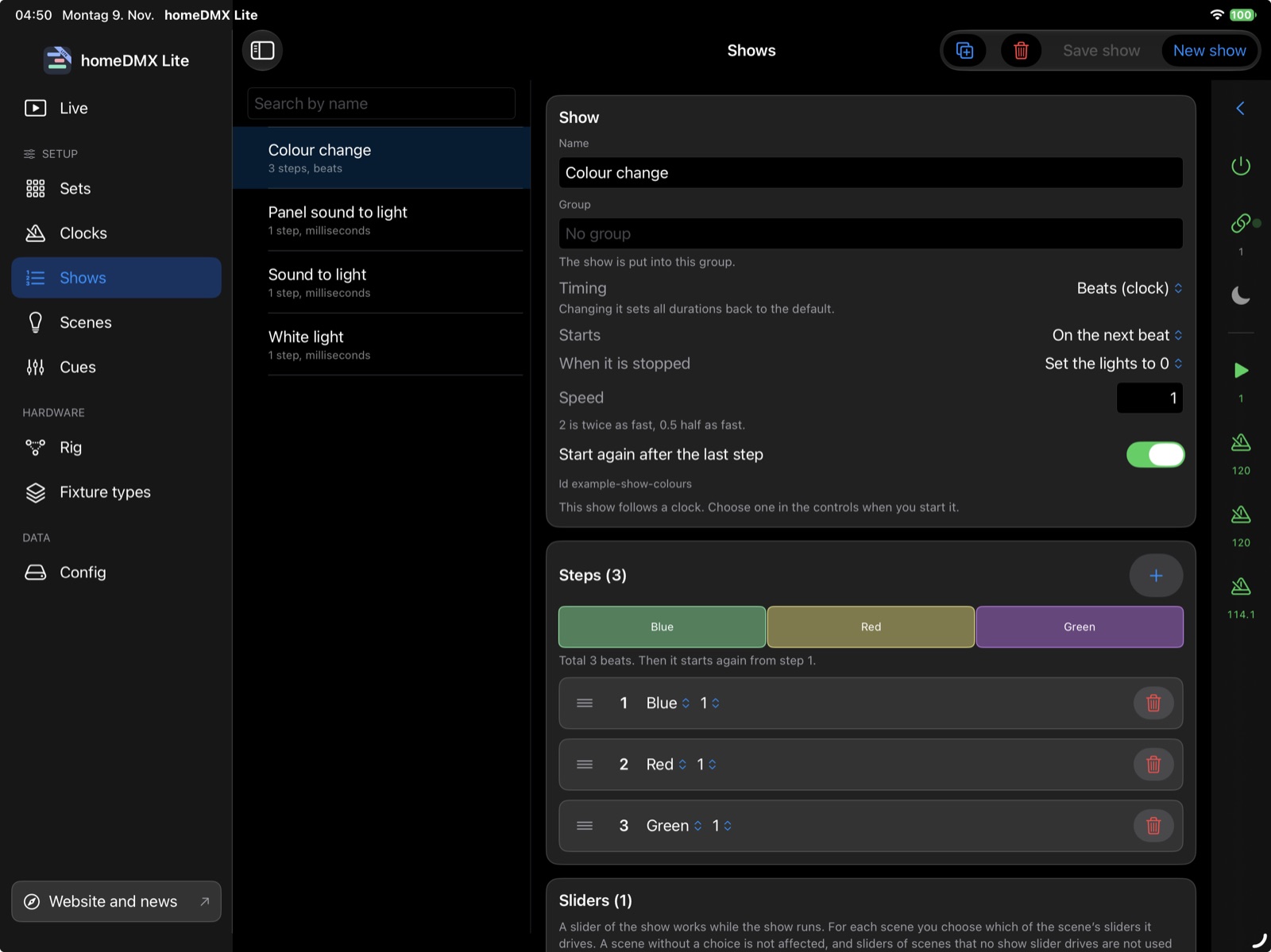
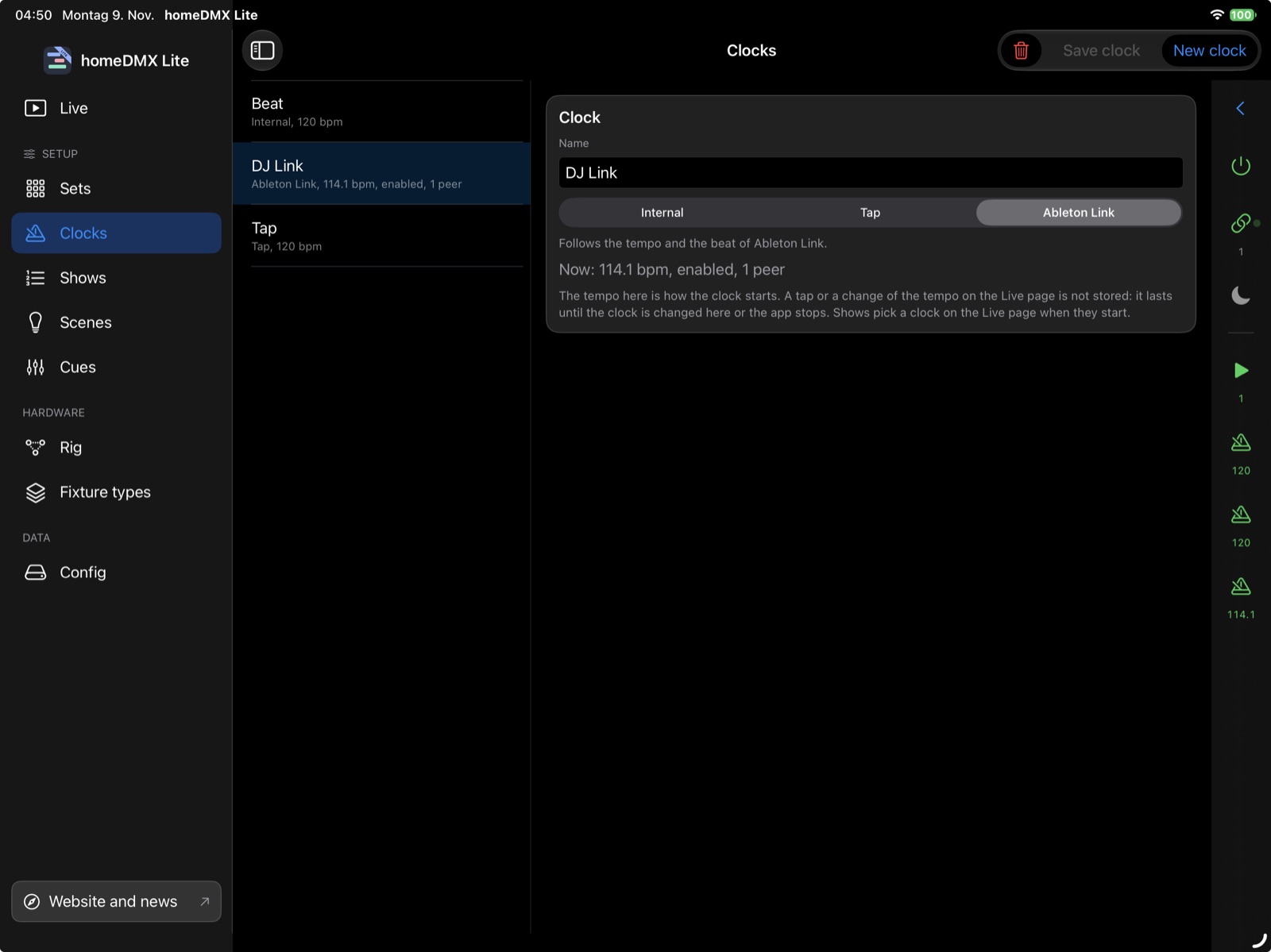
The pictures show the example config that you can load in the app under “Config”.
Scenes and shows as tiles, faders with on/off and hold, blackout, tempo by tap, internal or Ableton Link.
Create, try and change cues, scenes and shows in the app. Everything stays local on your iPad.
Choose devices from the library or create your own and patch them to DMX addresses. Several devices of one type need only one type.
The app backs up your config automatically and brings earlier versions back on request. You can import files.
Lite has deliberately stayed simple. The library brings a selection of devices, and you can create up to 5 own fixture types. That is enough for most home rigs: a few spots, a strobe, a string of lights, an effect device.
On the first send iPadOS asks for access to the local network. It must be allowed for Art-Net and Link to work.